
Invisible Architecture – How Seamless Tech is Disappearing Into Home Design
Invisible architecture hides technology in plain sight. Speakers disappear into plaster, sensors into ceilings and screens into cabinetry, so homes get smarter without looking like gadgets. Here is how the concept works, the design principles behind it and the challenges of hiding tech for good.
Table of Contents
Key Takeaways:
- Hidden technology makes a home easier to use without filling it with visible gadgets.
- Minimal design is pushing speakers, screens and sensors into walls, ceilings and cabinetry.
- The key is planning wiring and device locations early, before walls are closed.
The Concept of Invisible Architecture
Invisible architecture is about technology you use every day but barely see. Lights turn on as you walk in, the heating adjusts itself, music plays from the ceiling, and none of it clutters the room. The house works better, but it still looks like a home, not a showroom.
Defining Seamless Technology
In practice, that means smart systems built into the structure: in-ceiling speakers, motion sensors hidden in light fixtures, wiring run inside walls and controls you can operate by voice, by phone or by a single discreet keypad. The goal is fewer visible devices, not more.
Historical Context and Evolution
Home automation isn’t new: wired systems for lighting and security existed in high-end homes decades ago. What changed is cost and connectivity. Wireless standards and affordable smart devices brought automation to ordinary homes in the 2010s, and designers then started looking for ways to hide it.
Early systems in the 1990s were wired, expensive and limited to lighting and alarms. Wi-Fi and cheap sensors in the 2000s and 2010s changed that, and smart thermostats showed that tech could be both useful and well designed. Today the question is less “what can it do?” and more “how do we make it disappear?”, which is where architecture and interior design come in.
Designing for Functionality and Aesthetics
The challenge is balancing looks and function. Good invisible tech starts with the floor plan: where you’ll want screens, speakers and switches, where the router and hub go, and how cables will reach them. Those decisions are cheap on paper and expensive once the walls are finished.
If you’re building or renovating, a simple pre-wiring checklist goes a long way: an empty conduit from the TV wall to a cabinet, so cables can be added later; network cable to where Wi-Fi access points will sit; speaker wire to the ceilings of the living room and kitchen; power in the window reveals for motorized blinds; and a neutral wire in every switch box, which most smart switches need. None of this is expensive during construction, and all of it is hard to add later.
Integrating Smart Home Systems
A few systems give the most value for the least visual clutter: lighting scenes instead of rows of switches, a thermostat that learns your schedule, and voice control for the things you do most often. Pick systems that work together, so you don’t end up with five apps for five devices.
Material Choices and Visual Impact
Materials help hide technology too. Fabric-wrapped panels can hide speakers, wood slats can cover sensors and vents, and microcement or plaster walls can take flush-mounted speakers that you paint over.
Think about maintenance as well. Hidden devices still need access, so plan removable panels, keep the hub somewhere ventilated and reachable, and choose durable surfaces near anything you’ll touch often. A beautiful wall that has to be cut open to reset a device isn’t a good design.
The Role of User Experience
The real test is how the house feels to live in. If you have to think about the technology, it isn’t invisible. Good systems work with simple routines and have a manual fallback, such as a physical switch that still works when the Wi-Fi doesn’t. For a look at where the hardware is heading, see The Future of Smart Home Design is Flush-Mounted.
Enhancing Daily Life Through Design
Simple automations make the biggest difference: lights that dim in the evening, heating that warms the house half an hour before you get home, blinds that close on hot afternoons. Set up two or three routines that fit your day before adding more.
Balancing Technology and Privacy
Hidden devices can still collect data, so privacy deserves attention. Microphones, cameras and occupancy sensors are useful, but you should know what they record and where that data goes.
Prefer devices that can work locally, without sending everything to the cloud, and that receive regular security updates. Put smart devices on a separate guest network if your router allows it, and check that each device lets you switch off microphones or cameras easily.
It also helps to decide where each type of device belongs. Microphones and voice assistants are fine in the kitchen and living room but may not be welcome in bedrooms. Cameras usually make sense outside the front door, not inside the home. Motion and temperature sensors collect very little personal data and can go almost anywhere. Making these choices on purpose keeps invisible architecture convenient without feeling intrusive.
Case Studies of Invisible Architecture
Here is what invisible tech typically looks like in real homes. These are common setups rather than specific projects.
- Open-plan apartment: lighting scenes and in-ceiling speakers replace lamps and soundbars, and occupancy sensors turn lights off in empty rooms.
- Family house: motorized blinds hidden in the window reveal, a TV that disappears into a cabinet, and a single wall keypad per room.
- Apartment building: shared sensors manage hallway lighting, heating and ventilation, with no extra devices visible to residents.
- Country home: buried smart irrigation and weather-based schedules, with no visible controllers in the garden.
Iconic Examples of Innovative Designs
High-end projects take this further, with speakers plastered into walls, motorized panels that hide screens and lighting controlled from one simple interface. They show that serious technology and calm, minimal design can go together.
Lessons Learned from Successful Implementations
The lesson across these examples is the same: start from how people live, not from the gadgets. Technology should solve a real problem, like dark hallways, forgotten heating or too many remotes, and then get out of the way.
It also takes coordination. Architects, electricians and AV installers need to agree on device locations early, and homeowners should be involved so the system matches their habits. Choose systems that follow common standards (such as Matter) so devices can be replaced later without opening walls again.
Future Trends in Home Design
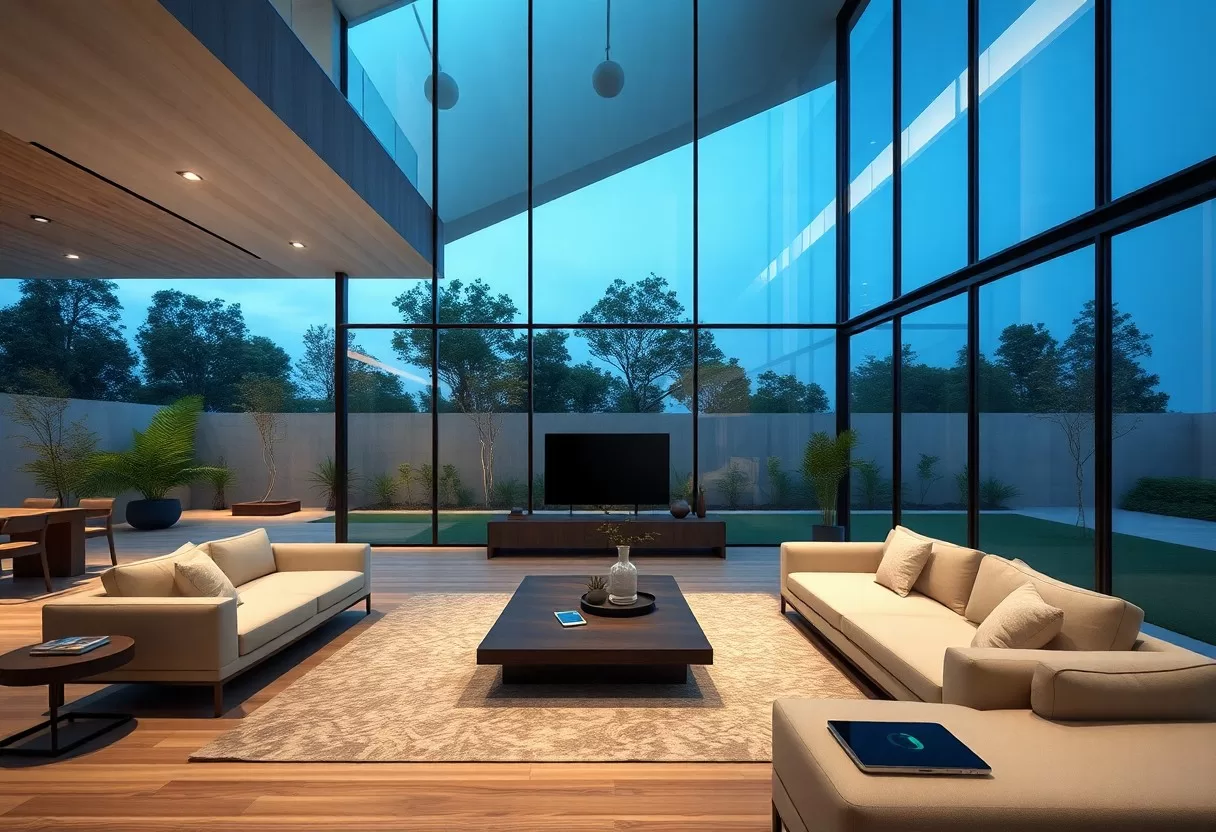
The trend is toward even less visible tech: displays that look like art or mirrors, lighting that adjusts to daylight automatically, and controls built into surfaces. For more examples, see When Tech Disappears, Majik Happens.
Predictions for Seamless Technology
AI will make homes better at learning routines: heating and lighting that adapt to your habits without manual schedules. The best of these features will need no input at all.
The Role of Sustainability and Eco-Friendliness
Energy will be a big driver. Smart controls get the most out of solar panels, batteries and heat pumps by running appliances when energy is cheapest or cleanest.
In practice, that means a home energy system that shifts the dishwasher or EV charging to sunny hours, ventilation that runs only when air quality needs it, and heating that switches off when windows open. Combined with good insulation, these small automations add up to lower bills without changing how you live. Use the calculator below to see what your own devices cost to run.
Challenges in Implementation
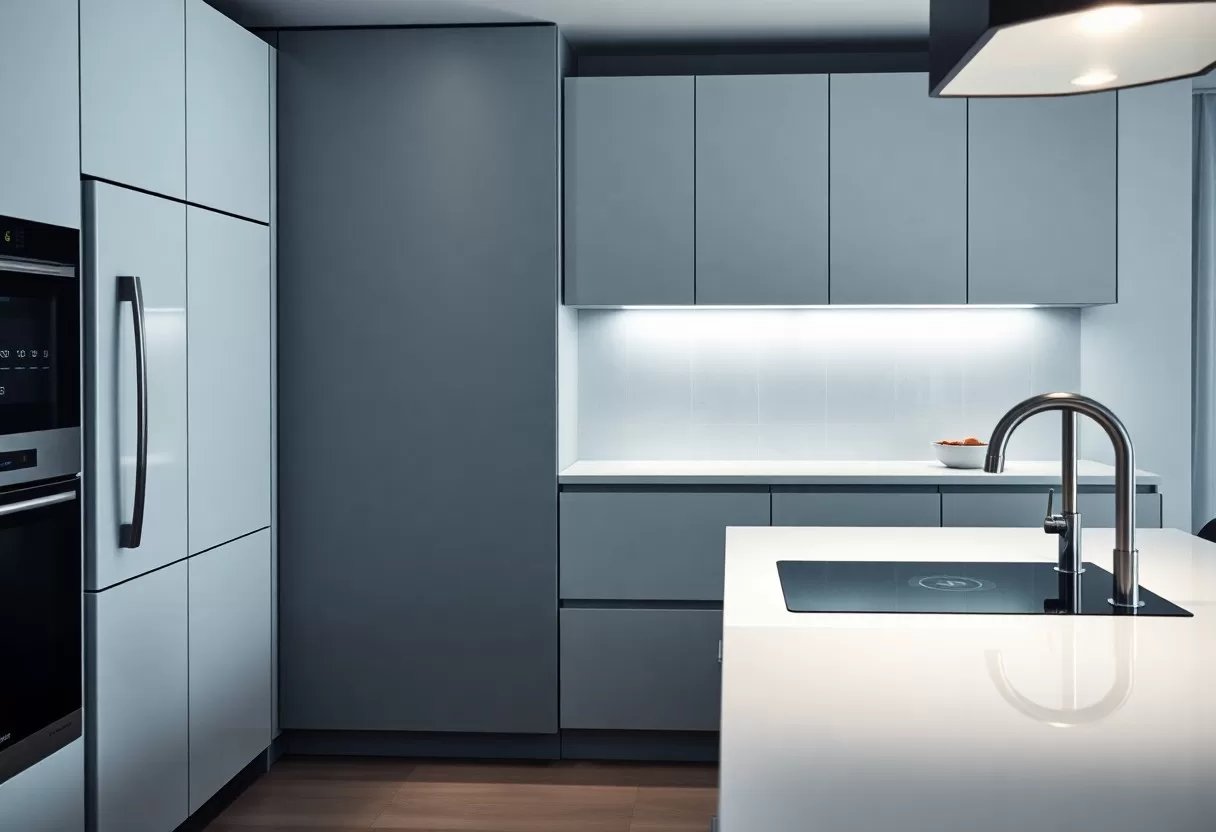
Hiding technology isn’t always easy. Devices inside walls are harder to reach, Wi-Fi has to cover the whole house, and professional installation adds cost. These are the problems to solve at the design stage.
Technical Hurdles
The most common technical issues are devices from different brands that don’t talk to each other, and weak Wi-Fi in corners of the house. Plan network cabling or a mesh system early, and stick to one ecosystem or standard where you can. Keep a simple record of what’s installed where, for whoever services it later.
Plan a small, ventilated technical cupboard as well, near the center of the home, for the router, network switch and smart-home hub. Keeping the equipment in one accessible place makes upgrades and troubleshooting much easier, and the rest of the house stays free of blinking boxes. Label every cable at both ends. It takes minutes during installation and saves hours later.
Consumer Acceptance and Adaptation
Many people hesitate because they fear hidden tech will be complicated or hard to control. That’s a fair concern, and the answer is design: simple controls, sensible defaults and the option to do things manually.
If you’re unsure, start small: a smart thermostat, lighting scenes in the living room, or hidden speakers in one room. Once you see how it fits your routine, it’s easier to decide what else is worth adding.
Device energy cost calculator
See what your smart devices, appliances or lighting really cost to run per year — including standby.
Conclusion
Invisible architecture works best when it’s planned with the house, not added afterwards. Decide where you need power, network and devices, keep controls simple, and choose systems you can update without opening walls. The result is a home that’s smarter but still calm to live in.
FAQ
Q: What is invisible architecture in the context of home design?
A: Invisible architecture means building technology into a home so it stays out of sight. Wiring, speakers, sensors and controls are hidden in walls, ceilings and furniture, so the rooms look calm and uncluttered while the systems still work.
Q: How does seamless technology improve the functionality of a home?
A: Hidden smart systems can take care of routine tasks for you. Lighting and thermostats can respond to schedules, occupancy or your preferences, which adds convenience and can cut wasted energy, all without a wall full of visible switches and panels.
Q: What are the benefits of incorporating invisible architecture into a home?
A: The main benefits of invisible architecture are a cleaner look, easier day-to-day use and fewer cables and devices on display. It can also make a home more appealing to some buyers, but the effect on resale value depends on the market and on how well the systems are installed.
Plan concealed wiring and device locations in our online 3D home design software.
Related Guides
