
Why Your Floor Plan Looks Good on Screen but Feels Wrong in Real Life
You rely on screen-perfect layouts, yet scale and human movement expose issues, tight circulation and blind corners produce safety hazards, and small changes to dimensions and sightlines restore real-world comfort.
Key Takeaways:
- Scale and proportions on screen can mislead; dimensions that read correctly in plans often feel cramped or oversized in full scale.
- Circulation and flow get lost in flat drawings; walking paths, door swings, and sightlines reveal congestion only when moving through the space.
- Furniture and fixture placement in models ignores real-world clearances; virtual layouts frequently omit space needed for comfortable use and maintenance.
- Vertical scale, light, sound, and material texture alter perception; ceiling height, daylight quality, acoustics, and finishes determine how a room actually feels.
- Context and daily movement patterns expose design flaws; site orientation, approach routes, and routine behaviors impact usability beyond what plans show.
The Illusion of Infinite Space: Why Digital Scale Deceives
Screens trick you into assuming more space than exists, because pixel-perfect views hide small scale differences that affect movement; that misleading scale is why a plan that looks airy online often feels cramped in real life.
The Distortion of the Zoom Function and Monitor Aspect Ratios
Zoom levels and monitor aspect ratios stretch or shrink proportions, so doorways and circulation seem wider on-screen; you can be misled by that false spaciousness, creating unexpected pinch points when furniture and people occupy the same area.
Standard Furniture Blocks vs. Real-World Clearances
Templates use uniform blocks for furniture, yet you live around edges; trusting them can hide required walking paths, appliance clearance, and door swings-pay attention to real-world clearances.
Measure by laying tape on the floor to mimic footprints and circulation; test chair, door, and appliance clearances before buying. Watch how furniture blocks sightlines and emergency routes, since blocked exits or narrow egress become real hazards for children and older adults. Try a taped mockup for a few days to confirm that movement paths match your intentions.
The Circulation Trap: Navigating Invisible Paths
Circulation on paper can hide how people actually move, leaving invisible bottlenecks where traffic, furniture and sightlines collide; you see tidy rooms on screen but feel cramped in reality, so check real movement patterns and consider examples like Why Your New Home Build is Probably a Sloppy Design.
Understanding Dynamic vs. Static Space Requirements
Space that holds furniture (static) differs from what you need when people pass, carry items, or use strollers; plan for dynamic clearances not just static footprints so circulation feels natural.
The Impact of Door Swings and Threshold Transitions
Door swings and thresholds often create pinch points that break flow and become trip risks; you should map swing arcs and level changes before locking finishes.
Thresholds and swing arcs determine whether you can carry a tray, maneuver a stroller, or pass someone in a hallway; you should measure required clearances (for example, 32-36″ clear paths and a 60″ turning radius for accessibility) and mark arcs on plans, consider pocket or slide doors to remove conflicts, and shave thresholds or bevel them to eliminate trip hazards and maintain smooth movement.
Verticality and Volume: The Missing Dimension of Height
How Ceiling Heights Alter the Perception of Square Footage
Low ceilings make you feel confined and turn generous floor area into something that seems tight; higher ceilings let you breathe, making the same square footage feel larger and changing how you arrange furniture and move through rooms.
The Psychological Weight of Overhead Elements and Bulkheads
Bulkheads and dropped soffits pull your attention downward, creating a heavy overhead presence that compresses space, disrupts sightlines, and can make rooms feel oddly claustrophobic despite ample floor area.
You notice exposed beams, ductwork, and low soffits create visual lines that reduce perceived height and force you to lower furniture scale or risk head-bumping; these elements can also cast shadows that make spaces feel darker and smaller. Simple remedies like recessing lights, raising trim, or using lighter ceiling finishes can restore openness and keep the plan’s intended flow. If structural elements must remain, align furniture and circulation with them and use vertical accents to draw your eye upward.
Lighting, Shadows, and the Emotional Geometry of Rooms
Lighting on-screen often flattens depth and ignores moving shadows, so you can love a layout digitally while in reality glare or dull corners break circulation and mood; test sun angles across the day and compare with a mockup or images like Your floor plan is confusing people and you don’t even …
Why 2D Symbols Fail to Represent Natural Light Orientation
Symbols on a plan remove vertical scale and the sun’s path, so you cannot judge how light direction or shadow length will define seating, sightlines, or cozy corners; you end up misplacing furniture where daylight never reaches.
The Difference Between Architectural Symmetry and Visual Balance
Symmetry on paper gives order, but you will sense weight through light, texture, and view, so a mirrored layout can still feel off without visual balance from contrast, focal points, and proper lighting.
Balance depends on how you distribute visual mass: consider how windows cast shadows that add or subtract perceived weight, how materials reflect or absorb light, and how sightlines draw the eye. If you ignore these factors you risk misleading symmetry that creates awkward circulation or competing focal points; instead, use lighting, furniture scale, and finishes to craft a true emotional equilibrium in the room.
Functional Blind Spots: Storage and Utility Integration
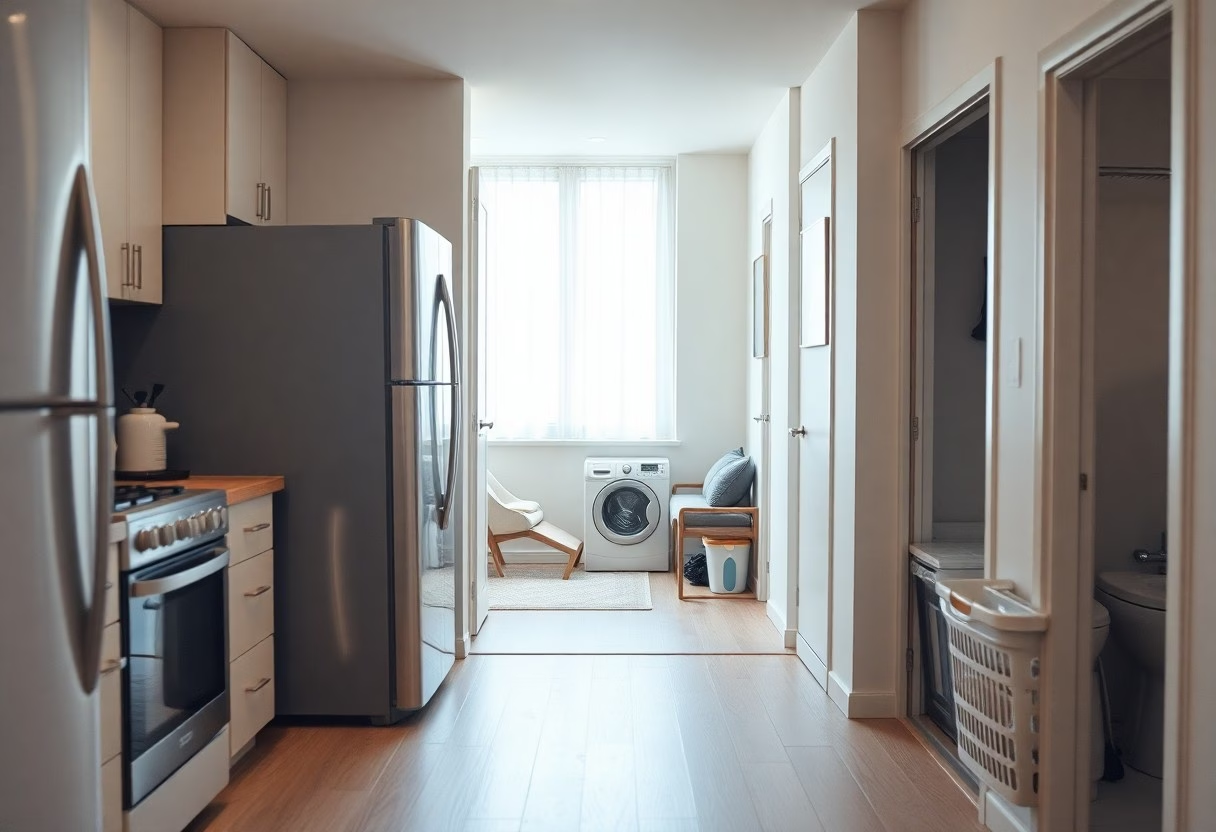
Storage and service spaces often vanish on plans, so you find yourself short on closets, counter space, or workable laundry zones, with hidden conflicts showing up during construction.
The Hidden Depth of Cabinetry and Built-in Appliances
Cabinetry depth, hinge clearance and appliance door swings rarely scale correctly on screen, so you end up with doors that won’t open or unusable lower drawers; you should check real clearances before finalizing.
Accounting for Mechanical Chases and Structural Realities
Mechanical chases, ducts and plumbing stacks consume space behind walls and floors; you can’t tuck storage or tall cabinets there without planning for access panels and service clearances-overlooking them creates expensive rework.
Plan for at least 6-12 inches of chase depth for plumbing and 10-14 inches for most duct runs, and leave appliance setbacks for ventilation and service; otherwise you risk blocked vents, inaccessible shutoffs, and demolition-level fixes. You should mark chase locations on elevations, confirm stack alignment with MEP, and specify removable panels or clear service paths so you can service systems without ripping finishes.
Bridging the Gap: From Digital Blueprint to Physical Reality
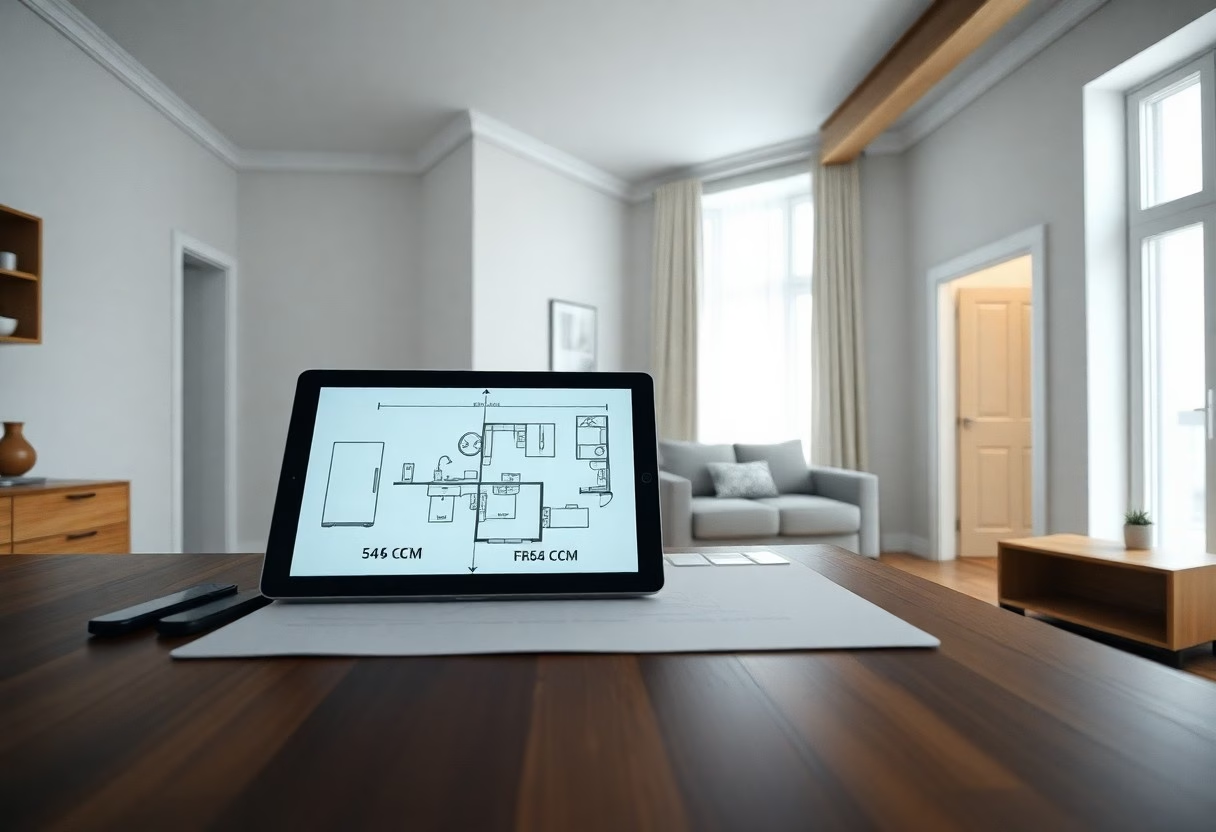
Utilizing 1:1 Scale Mockups and Augmented Reality Tools
Use 1:1 scale mockups and augmented reality so you can test furniture, sightlines, and circulation and catch fit issues and layout errors before construction begins.
The Importance of Sightline Analysis and Cross-Sectional Views
Check sightlines and cross-sections so you can spot obstructed views, inadequate head clearance, and hidden circulation conflicts before they become costly problems.
Analyze eye-level sections and multiple vantage points to verify what you’ll actually see and reach; you should simulate standing, seated, and child perspectives to reveal scale mistakes. You should also model door swings, stairs, and built-ins to expose blind spots and tripping hazards. Using measured elevations quantifies clear sightlines, ceiling heights, and privacy impacts so decisions rest on physical reality rather than optimistic renderings.
Final Words
To wrap up, you may design visually appealing floor plans that fail in real life because scale, circulation, furniture placement, lighting, and human behavior get misjudged; test with full-size mockups, walkthroughs, and realistic furniture to confirm comfort, sightlines, and functionality before finalizing.
FAQ
Q: Why does my floor plan look perfect on screen but rooms feel too small or awkward in real life?
A: Scaled drawings often remove context such as furniture bulk, circulation zones and vertical proportions, giving a false sense of openness. Screen views flatten depth and ignore ceiling height, thresholds and the way light behaves, so dimensions that look balanced in 2D can feel cramped in person. Test critical areas at full scale with tape or mockups to reveal pinch points before final decisions.
Q: Why do furniture and fixtures not fit like in the plan?
A: Many plans use simplified furniture blocks that omit armrests, legs, tapered forms and the extra clearance required for movement. Door swings, drawer clearance and appliance service access are easy to underestimate in digital layouts. Measure real pieces, place full-size templates on the floor and account for clearance around seating and pathways.
Q: Why does lighting and material selection change perception of space?
A: Lighting controls contrast, shadow and visual weight, all of which change how big or small a room reads. Dark, matte finishes absorb light and shrink a room, while reflective or light tones increase perceived space. Review finishes and lighting on-site at different times of day and test samples in place instead of relying solely on renderings.
Q: Why are circulation paths and sightlines different than expected?
A: Human movement favors straight, unobstructed routes and visual anchors, and plans rarely capture habitual flows like shortcuts or where people pause. Small obstacles, thresholds and furniture placement can force detours and truncate sightlines, making spaces feel awkward. Walk the layout at full scale and stage typical activities to identify and correct problematic junctions.
Q: How can I test a floor plan to avoid these surprises?
A: Create full-scale mockups using painter’s tape, cardboard or temporary partitions to confirm clearances, door swings and furniture fit. Place actual furniture or cutouts, simulate daily tasks such as opening cabinets and two-person circulation, and observe lighting and acoustics over a day. Update the plan with measured adjustments and repeat testing until movements and sightlines feel natural.