
Paint Before You Buy – How AR Color Visualizers Are Revolutionizing Home Decor
AR color visualizers let you see paint colors on your own walls through your phone camera before buying a single can. They reduce guesswork and costly repaints. Here is how the technology works, what it does well, where it falls short and how to get accurate results.
Table of Contents
Key Takeaways:
- Augmented reality (AR) paint apps let you preview colors in your actual rooms before you buy.
- They make it quick and easy to try different color schemes on your own walls.
- They can cut down on sample pots and repaints, though a real swatch is still worth checking.
The Evolution of Color Visualization
People have always wanted to see a paint color on the wall before committing to it. Paper swatches and paint chips were the first tools, but a two-inch chip rarely shows how a color behaves across a whole wall. Later, computer renderings and photo-editing tools gave a rough preview of a room. Augmented reality took the next step: it lets you see colors on your own walls, live, through your phone camera, which makes it much easier to imagine the finished room.
Traditional Methods of Color Selection
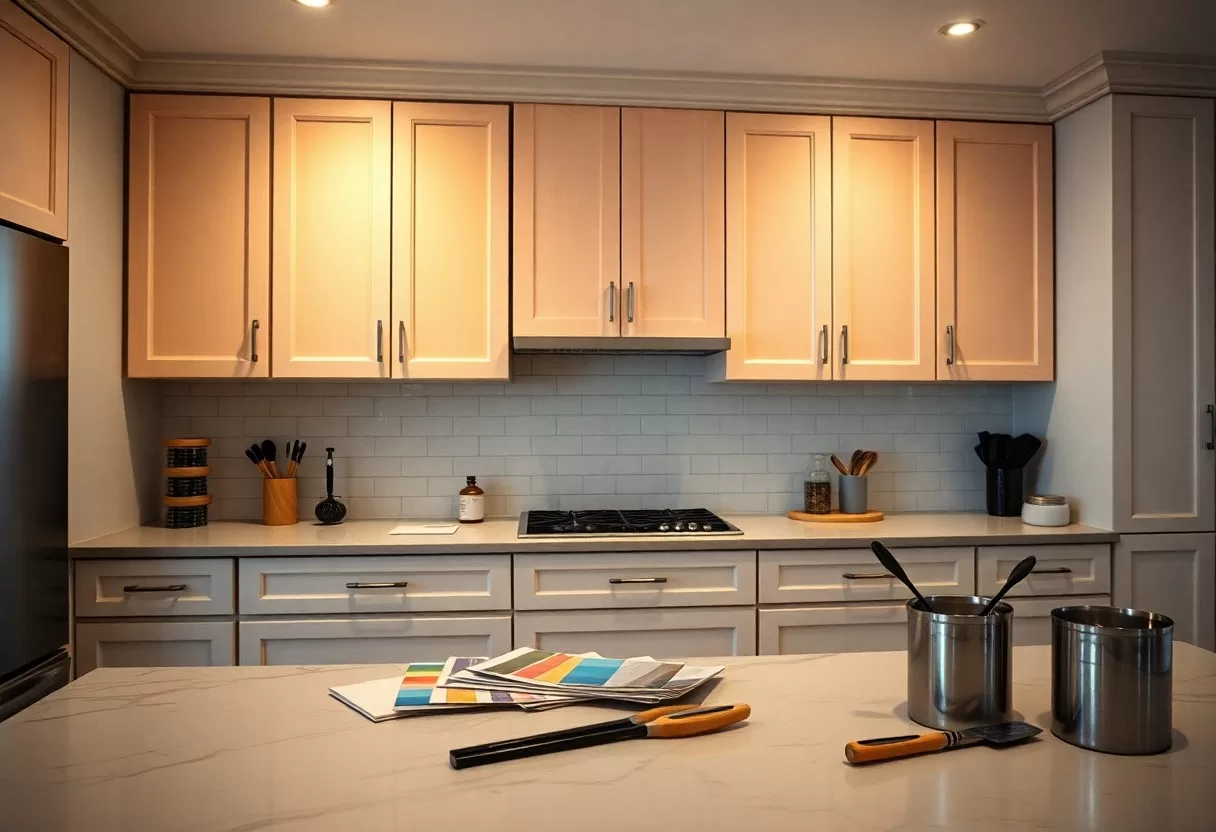
For years, choosing paint meant relying on physical swatches and chips, which often looked different at home than in the store. Store lighting is usually bright and cool, while your living room may have warm bulbs and north-facing windows. Many people have painted a whole wall only to find the shade they loved looked gray, too yellow or far darker than expected, which costs time, money and a weekend of repainting.
The Rise of Augmented Reality in Home Decor
Augmented reality (AR) brought a real shift to home decor. AR apps let you see paint colors in real time in your own home, which makes choosing much easier. You can watch how a shade looks next to your sofa, floors and trim, and how it changes as you walk around the room, so you get a clearer idea of whether it suits your furnishings and light.
The technology caught on because it is free, easy and fast. With most apps you point your phone’s camera at a wall, tap a color and see it on screen almost instantly. You can narrow a long list of favorites down to two or three finalists in minutes, which means fewer sample pots and less risk of a costly repaint. Newer versions also let you try different finishes and textures, from flat and matte to semi-gloss.
How AR Color Visualizers Work
To use these tools well, it helps to know what they actually do. An AR color visualizer uses your smartphone camera to lay paint colors over your walls in real time. You point the device at a wall, and the app shows how different shades change the room without opening a single can. For a deeper look at how you can Refresh Your Space With a Paint Colors Visualizer, that guide walks through the basics step by step.
Technology Behind AR Color Apps
Behind the scenes, AR paint apps combine computer vision, simultaneous localization and mapping (SLAM) and real-time rendering. The camera captures the room, and the software finds flat surfaces like walls, detects edges and corners, and estimates the lighting. It then lays the color over the wall and adjusts it for shadows and brightness, so the preview blends with the real room instead of looking like a flat sticker.
User Experience and Interaction
Most apps are designed to be simple. You scroll or search through a brand’s color collection, tap a shade and see it appear. Many let you adjust brightness, compare two colors side by side and share screenshots with family or friends for quick feedback. Trying combinations, such as a lighter wall with a darker accent wall or trim, takes seconds instead of a weekend.
Many apps also include extras like room measurement tools, saved color lists and a way to match a color from a photo or an object you love. You can try different finishes and tones and build a virtual palette for the whole house. Because nothing is on the wall yet, you can be bold and test a deep green or navy you might never risk with a real brush, then save the ones that work.
Benefits of Using AR Color Visualizers
Using an AR color visualizer makes decorating faster and more fun. It gives your creativity room to play while keeping the process efficient. You can test shades and textures in real time, which helps you avoid costly mistakes and choose colors that reflect your style and the way you live.
Accurate Color Representation
These apps give a true-to-life color rendering that is far closer than a small paper chip. Because you see the shade in your own space, next to your floors and furniture and under your own light, you get a much better sense of how it will look. Keep in mind that phone screens and cameras still shift colors a little, so use the app to narrow your choices, then confirm the winner with a real sample on the wall.
Improved Decision Making
AR helps you decide faster because the feedback is instant. You can see how a color works with your decor and lighting right away, which lowers the risk of disliking it once it is on the walls. Side-by-side comparisons make it easier to choose between close shades, like two similar whites, which are notoriously hard to judge on paper.
This can save a lot of time and energy on a renovation. Instead of second-guessing swatches, you can see how wall color, trim and furniture work together. For example, if you are torn between three blues for a living room, you can check each one against your sofa and rug in the evening, when warm lamps are on, and rule out the one that turns gray. That kind of quick test means fewer surprises and a calmer, better-balanced result.
Popular AR Color Visualization Tools
Many AR color tools are now available, and most are free. They let you browse large color collections and make choices that match your personal style. Some work as mobile apps that use your live camera, while others are web tools where you upload a photo of your room. Either way, you can preview changes quickly and pick shades that suit your space.
Top Apps on the Market
Popular options include Behr ColorSmart, Sherwin-Williams ColorSnap and the Dulux Visualizer. Each offers a simple interface, the brand’s color library and the option to see shades on your walls through your phone camera. Since each app shows only its own brand’s paints, it is smart to try two or three if you have not settled on a manufacturer yet.
Features to Look For
When choosing a visualizer app, look for accurate color rendering, the option to upload your own photos and a broad range of paint colors. Tutorials and user reviews can help you learn the app quickly and get better results. Built-in design tips or inspiration galleries are a nice bonus when you are still refining your ideas.
Accurate color rendering matters most, because the shade on screen should match what you will see on the wall as closely as possible. Photo upload lets you test specific rooms even when you are not at home. Some tools simulate daylight and evening light so you can see how a color shifts between morning and night. Look for apps that update their color collections regularly, plus easy sharing and side-by-side comparison, so you can settle on a choice before you paint.
Case Studies: Transformative Home Projects
Here are a few common ways homeowners and designers put AR color tools to work on real projects:
- Whole-house repaint: preview colors room by room to check that the shades flow well from one space to the next.
- Fewer sample pots: narrow a long list to two or three finalists before buying samples.
- Client meetings: designers show options live so clients can react and decide on the spot.
- Exterior colors: test siding, trim and door colors on a photo of the house before committing.
For more insights, visit AR for Interior Design – Visualizing Home Renovations in 3D.
Homeowners’ Experiences
Homeowners who use AR apps often say the biggest benefit is understanding how a color will change a room before they commit. Seeing the shade on their own walls cuts down on second thoughts after the paint goes on. Because the apps are interactive, people tend to try more ideas than they would with paper chips, which helps them settle on a color they really like.
Designer Insights on AR Utilization
Designers find AR useful in client consultations because it speeds up collaboration. Showing realistic previews of different color schemes helps clients make choices faster and with more confidence. It closes the gap between what the designer describes and what the client imagines, which builds trust in the design process.
AR also lets designers respond to different client tastes on the spot. They can adjust colors during a meeting, test a client’s suggestion right away and land closer to what the client wants. That saves rounds of revisions and sample boards, and clients who feel heard and involved are more likely to be happy with the finished room.
Future Trends in AR Home Decor
AR tools for home decor keep improving. Expect more realistic previews and easier controls, so you can see paint, furniture and other products in your space with better accuracy. As AR becomes a normal part of planning a room, the gap between what you imagine and what you get will keep shrinking, making decisions quicker and more satisfying.
Advancements in Technology
Future versions of these apps will likely use machine learning and AI to suggest colors based on your tastes and past choices. You can also expect faster rendering, more realistic textures and simpler controls, which will make it easier to picture your design ideas accurately.
Integration with Other Design Tools
As the apps mature, expect closer links with other design software, such as CAD programs, room planners and online stores. That will let you go from choosing a color to planning a whole room without switching tools. Shared projects will let several people, such as a couple, a designer and a contractor, add comments and changes to the same plan.
Combining AR with design tools like CAD will let you see how structural changes affect your color scheme in real time. If you move a wall or add a window, you can instantly check how the palette works with the new layout and light. Social sharing features also make it easy to collect opinions from friends and family before you commit, so the decorating process feels more collaborative.
60-30-10 color palette generator
Pick a color you love and get a balanced room palette using the designers’ 60-30-10 rule.
Conclusion
As you plan your next paint project, AR color visualizers help you make informed choices by showing colors and designs in your own rooms in real time. They speed up decisions, cut down on wasted samples and help your home reflect your style. Use them to narrow your shortlist, then confirm your favorite with a real sample on the wall in both daylight and lamplight, and you can paint with confidence.
FAQ
Q: What are AR color visualizers and how do they work?
A: AR color visualizers utilize augmented reality technology to allow users to visualize paint colors in their own spaces before making a purchase. By using a smartphone or tablet camera, these applications superimpose different paint colors onto the walls of a room in real-time, enabling users to see how varied hues will look in their actual environment.
Q: How can using AR color visualizers save time and money in home decor?
A: These tools help homeowners avoid costly mistakes by allowing them to experiment with different colors and finishes virtually, eliminating the need to purchase multiple paint samples. This capability not only saves time during the decision-making process but also reduces the risk of buying paint that may not work with the overall decor.
Q: Are AR color visualizers available on all devices, and do they require special equipment?
A: Most AR color visualizers are accessible via standard smartphones and tablets with camera capabilities. They typically do not require additional hardware, but the performance may vary based on device specifications. Users should ensure their devices support the necessary apps for optimal functionality.
Go further and restyle the whole room from a photo with the free AI interior design generator.
Related Guides
