
Move-In Makeover: A Practical Guide to Upgrading Your Brand-New Home
You’ve just moved into your dream home—fresh paint, modern finishes, everything smells new. So why are so many homeowners already planning renovations within the first year? Because “brand-new” doesn’t always mean “just right.” From missing storage to builder-grade lighting, the desire to personalize and improve often kicks in fast.
Key Takeaways: New Home Upgrades
- The best new home upgrades are the ones that are hard to do after moving in.
- Lighting, storage and window treatments make the biggest difference.
- Live in the house a few months before planning major projects.
The Gist
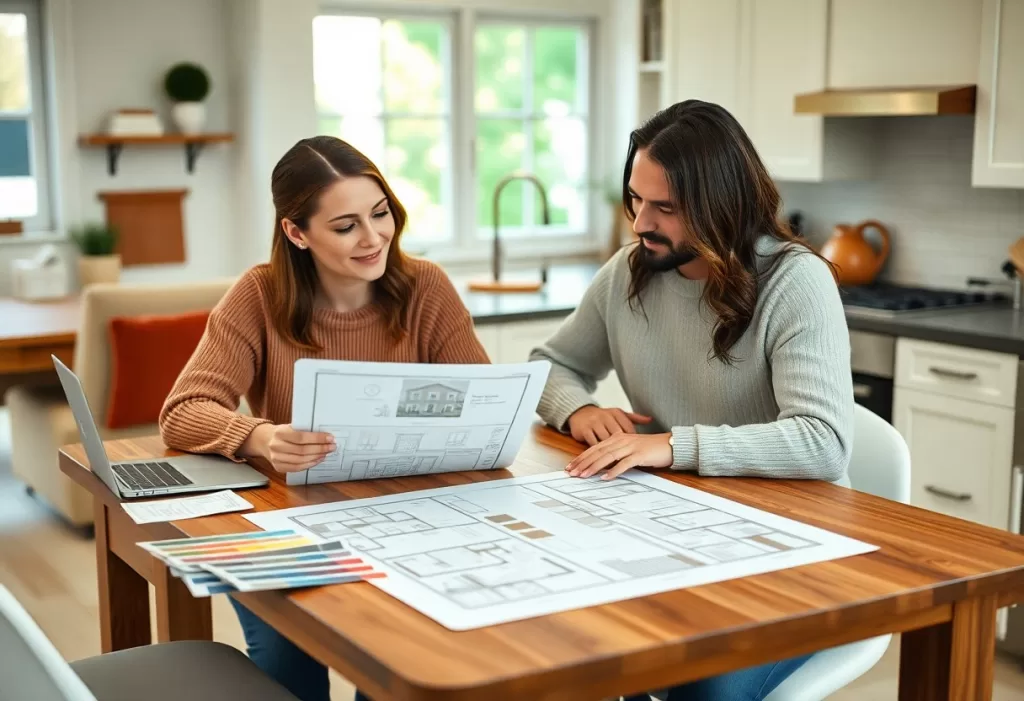
Even new homes need upgrades. Focus first on functionality (storage, lighting, energy efficiency), then aesthetics. Avoid rushing major remodels, get multiple bids, and organize your paperwork (permits, warranties, receipts). A few well-chosen updates can raise comfort and long-term value.
Why People Renovate So Soon After Moving In
- Personalization: Builder designs suit averages—not your lifestyle.
- Quality Gaps: Cost-saving materials (like thin carpet or hollow-core doors) wear quickly.
- Energy Efficiency: Smart thermostats and insulation upgrades pay back fast.
- Futureproofing: Families plan ahead for offices, aging parents, or kids.
- Outdoor Usability: Patios, decks, and fences rarely come finished.
Also see Energy.gov’s home improvement guide and Houzz’s design planning hub.
Common Risks to Avoid
- Upgrading before understanding the home’s quirks.
Live in it for a few months—you’ll spot airflow, layout, and noise issues. - Over-improving the neighborhood.
Don’t spend $80K in upgrades in a $350K block. - Skipping permits.
Always check with your local permit authority before touching plumbing or wiring. - Neglecting resale logic.
Trendy finishes fade fast; pick upgrades with long-term appeal. - Ignoring warranty conflicts.
Changing systems too soon can void builder coverage.
Practical Upgrade Ideas (Budget to Smart Impact)
| Category | Smart First Upgrade | Why It Matters | Resource |
| Lighting | LED recessed + dimmers | Cuts energy bills; adds mood control | Lutron lighting resources |
| Storage | Garage shelving or built-ins | Keeps clutter down early | The Container Store tips |
| Tech | Smart thermostat | Optimizes HVAC; adds app control | Nest learning thermostat |
| Comfort | Ceiling fans in main rooms | Reduces A/C load | Home Depot ceiling fans |
| Exterior | Gutter guards & landscaping | Prevents erosion; improves curb appeal | This Old House landscape ideas |
| Interior Finish | Swap builder faucets/knobs | Small cost, big style lift | Wayfair hardware guide |
Quick Checklist—First-Year Upgrade Plan
- Walk every room and note small annoyances.
- Create “must-do” and “nice-to-have” lists.
- Gather warranty and builder documents in one folder.
- Set a three-tier budget: comfort, efficiency, resale.
- Get three estimates for any job over $3,000.
- Photograph every project step for insurance and resale value.
- Schedule yearly maintenance reminders for HVAC, filters, and caulking.
Keeping Renovation Records Organized
When you start updating, the paperwork piles up fast—warranties, receipts, permits, manuals. Keeping them in order prevents costly mistakes later. A clean system also helps during resale or insurance claims.
To stay compliant and within budget, keep a dedicated digital folder. Save key documents as PDFs—they’re universally readable and secure. If your files are scattered across emails, screenshots, and formats, you can try a PDF conversion tool to bring everything together neatly. PDFs are easy to search, store, and share—and they maintain their formatting across devices.
Product Spotlight: The Humidex Home Air System
A surprising early upgrade many homeowners overlook is whole-home humidity control. The Humidex basement air system quietly removes damp air, helping prevent mold and protecting drywall and wood. Especially valuable in newer, airtight builds.
FAQ
Do I need to renovate a new house?
Yes, but start small. Live in your home at least six months before major remodels.
Which upgrades give the best return?
Energy efficiency, smart storage, and exterior improvements. Kitchens and bathrooms pay off when done moderately.
How can I find trustworthy contractors?
Ask neighbors or check Angi’s verified listings. Always get written quotes.
Do DIY upgrades hurt resale?
Only if they’re poorly done. Stick to manageable tasks like paint, shelving, and hardware swaps.
Conclusion
A brand-new home is a blank slate—not a finished masterpiece. Thoughtful upgrades turn it from builder-standard to personal sanctuary. Plan carefully, pace yourself, document everything, and invest where comfort meets longevity. Don’t chase perfection quickly. Build comfort smartly.
Which Upgrades to Do First
Start with the upgrades that are hardest to do once you have settled in: painting, flooring changes and lighting. Swapping builder-grade light fixtures for layered lighting, adding dimmers and upgrading cabinet hardware change the feel of a new home quickly and at a moderate cost.
Next, look at storage. Most new builds come with basic closets, so adding closet systems, garage shelving and a drop zone by the entry prevents clutter from taking over in the first months.
Upgrades That Add Comfort and Value
Window treatments, ceiling fans and a smart thermostat improve comfort and lower energy bills. Outside, simple landscaping, a patio or a fence often add more everyday enjoyment than an expensive interior change.
Finally, plan bigger projects in phases. Live in the house for a few months, note what bothers you and then invest where it makes the most difference. This avoids costly changes based on first impressions.
Prioritize and price your move-in upgrades with the free home renovation budget planner.