
Smart Home Integration – Transforming Your Living Space For Modern Comfort
More and more households are adding smart home integration to their living spaces, and for good reason: it brings convenience, safety, and efficiency within easy reach. Once your devices are connected, you can control lighting, temperature, security and entertainment from the couch or from your phone while you’re out. The real benefit is that daily routines get smoother, and a well-planned system can also make your home more appealing to buyers later on. Here’s how the pieces fit together and what to plan for.
Table of Contents
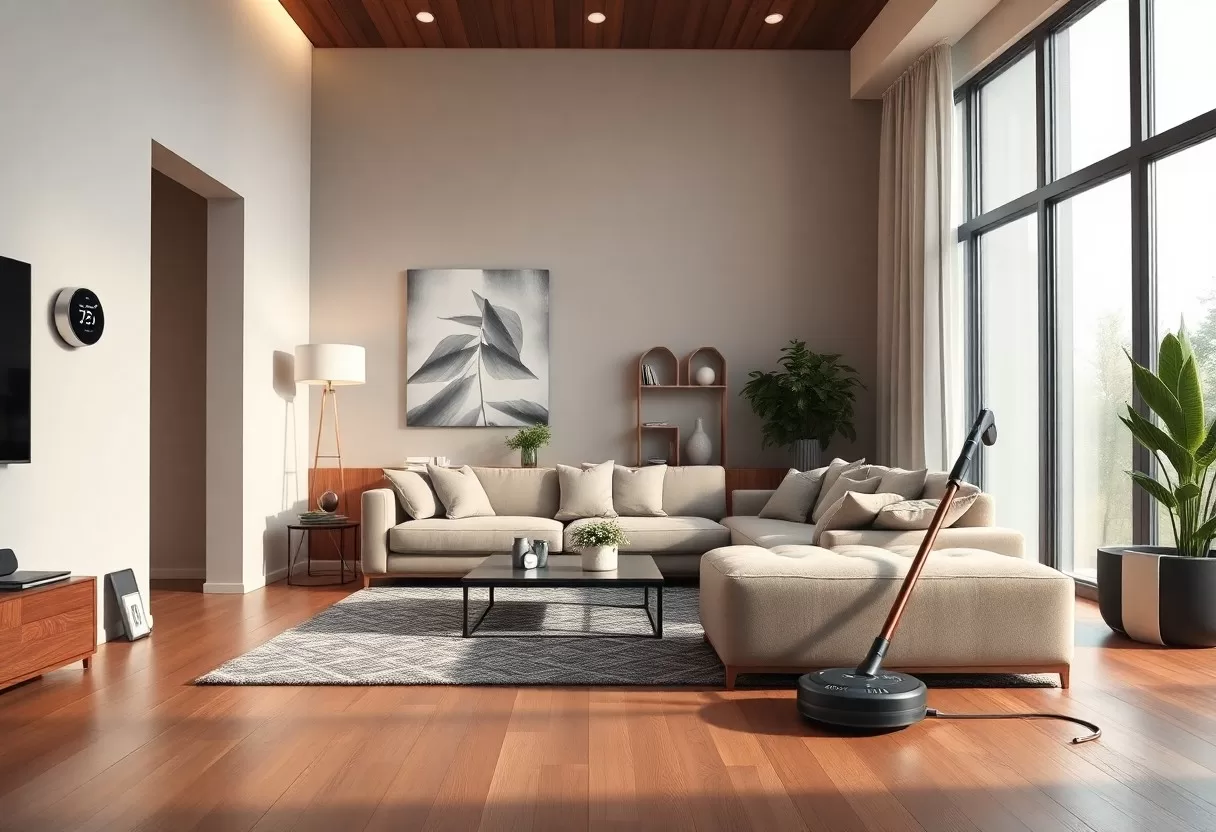
Key Takeaways:
- A single app or hub lets you control many devices at once, which simplifies daily routines.
- Smart systems let you see and adjust energy use in real time, which helps cut waste.
- Smart cameras, locks and alarms add safety and peace of mind when they are set up securely.
- Devices from different brands can usually work together, especially if you choose a common standard.
- Voice assistants give you hands-free control and quick answers while your hands are busy.
Seamless Connectivity: The Backbone of Smart Homes
Every smart home depends on a reliable network. Your devices need a strong, stable connection to talk to each other and respond quickly. Wi-Fi is the most familiar option, while Zigbee and Z-Wave are low-power mesh networks built for sensors, locks and switches. Newer devices may use Thread and the Matter standard, which aim to make brands work together. Pick one main ecosystem early, and your thermostat, cameras and lights will act as one system instead of a pile of separate apps.
The Role of IoT in Home Automation
The Internet of Things (IoT) is what makes home automation possible. It lets your devices share data and act on it. Smart appliances, heating systems and security devices use that data to follow your schedule and preferences. Once everything is connected, you can adjust your home with a tap on your phone. Start small, with one room or one task such as lighting, and expand once you know what you actually use.
Achieving Inter-device Communication
Devices have to exchange data and respond to each other before a home starts to feel intelligent. Behind the scenes this happens through protocols such as MQTT or HTTP, which turn standalone gadgets into parts of one system. For example, when your video doorbell detects a visitor, your living room lights can flash so you notice even with headphones on. These small links between devices are where automation becomes useful.
Getting devices to communicate well takes some planning. If you mix protocols, you’ll usually need a central hub that speaks several of them, such as a hub that handles both Zigbee and Z-Wave. The hub ties your speakers, locks and lights into one platform where you can build scenes and automations, so a single command triggers several devices. A good setup adds convenience, and it also lets security and energy-saving rules run in the background. Place the hub centrally, away from metal cabinets, so its signal reaches every room.
Centralized Control: The Heart of Modern Living
Centralized control systems make your home easier to run. Instead of juggling a different app for every device, you manage everything from one interface, which cuts confusion and saves time. Guides such as “Smart Home Integration: Tech Solutions for Modern Living” explain how these systems change daily routines. When lights, thermostats and locks sit in one place, managing the home becomes simple, and you can share access with family members without handing out several passwords.
Smart Hubs and Their Impact on User Experience
Smart hubs act as the control center for all your devices, letting you manage lighting, security and entertainment from one platform. Good hubs offer intuitive interfaces and work with a wide range of products, so everyday tasks stay simple. With a few taps on your phone you can set the mood for movie night or turn everything off at bedtime. Before you buy a hub, check its compatibility list against the devices you already own.
Mobile Applications: Your Home in Your Hand
Mobile apps put your smart home in your pocket, so you can control everything from the thermostat to the security cameras wherever you are. They show real-time data, send alerts and let you change settings to fit your schedule. Convenience is the main draw, since you can adjust your home the moment plans change.
In practice, that means you can cool the house before you get home, check the cameras while on vacation or set the coffee maker to brew at 6:30 every morning. Building these apps into your routine makes daily life more efficient and gives you more freedom in how you manage your home. Turn on two-factor authentication for every smart home account, and give each family member their own login instead of sharing one.
Energy Efficiency Revolution: Cutting Costs and Carbon
Smart home technology can make a noticeable difference to energy use, lowering both your bills and your carbon footprint. Automated systems keep heating, cooling and lighting from running when nobody needs them, so you save money without giving up comfort. Energy efficiency is one of the most practical reasons to invest in a smart home, and it is the easiest benefit to measure on your monthly bill.
Start with the systems that use the most energy. In most homes that means heating and cooling, followed by water heating, so a smart thermostat usually pays off before smart plugs or bulbs do. Smart plugs with energy monitoring are a cheap way to find “phantom” loads, such as game consoles and older TVs that draw power while switched off. Once you know where the waste is, a simple schedule or automation can take care of it.
Smart Thermostats and Energy Savings
Smart thermostats are one of the most effective upgrades for energy efficiency. They learn your habits and adjust the temperature accordingly. Features like geofencing, which senses when you leave or approach home, and scheduling let you trim heating and cooling costs without feeling less comfortable. Savings vary with your climate, insulation and habits, so look for an ENERGY STAR certified model and give it a few weeks to learn your routine.
Intelligent Lighting: Adjusting to Your Life
Smart lighting lets you match energy use to your routine, so lights are on only when someone needs them. Smart bulbs paired with motion sensors or timers cut wasted electricity while still giving you the brightness and color you want in each room.
Picture lights that switch on as you enter a room and off as you leave, so you never come home to a dark hallway or leave the basement lit all night. Many systems let you control lights remotely or change them with the time of day, warmer in the evening and brighter in the morning. Most smart bulbs are LEDs, and the U.S. Department of Energy notes that LEDs use far less energy and last much longer than old incandescent bulbs.
Enhancing Security: The Smart Home Safety Paradox
Smart home technology creates a safety paradox. It adds strong security tools, yet it also raises concerns about privacy and data. Smart cameras and alarms give you real-time alerts and control over your home, but every connected device is a possible entry point for hackers. The goal is to enjoy the advantages of smart security while keeping your data and network well protected.
Smart Locks and Surveillance: A Double-Edged Sword
Smart locks and surveillance systems let you unlock doors and watch your property remotely. Keyless entry and live video are convenient and reassuring. The weak point is your network: if someone gets into it, they may be able to unlock doors or switch off alarms. Change default passwords, keep firmware updated, use WPA3 or at least WPA2 encryption on your router, and consider a separate guest network just for smart devices.
Remote Monitoring: Peace of Mind in the Digital Age
Remote monitoring lets you check on your property from anywhere, which makes time away from home less stressful. You can watch live camera feeds or get alerts about unusual activity on your phone, a level of control older alarm systems couldn’t offer. Visible cameras and lights may also discourage would-be intruders, though no system replaces good locks and neighbors who keep an eye out.
Remote monitoring keeps you connected and helps you secure your home with little effort. Live feeds keep you informed, and motion or sound alerts let you respond quickly to anything unexpected. Many newer cameras use AI to tell the difference between a person, a pet and a passing car, so you get fewer false alarms and only pay attention when it matters. Mount outdoor cameras about 8 to 10 feet high, high enough to resist tampering but low enough to capture faces.
Customization and Personalization: Tailoring Your Atmosphere
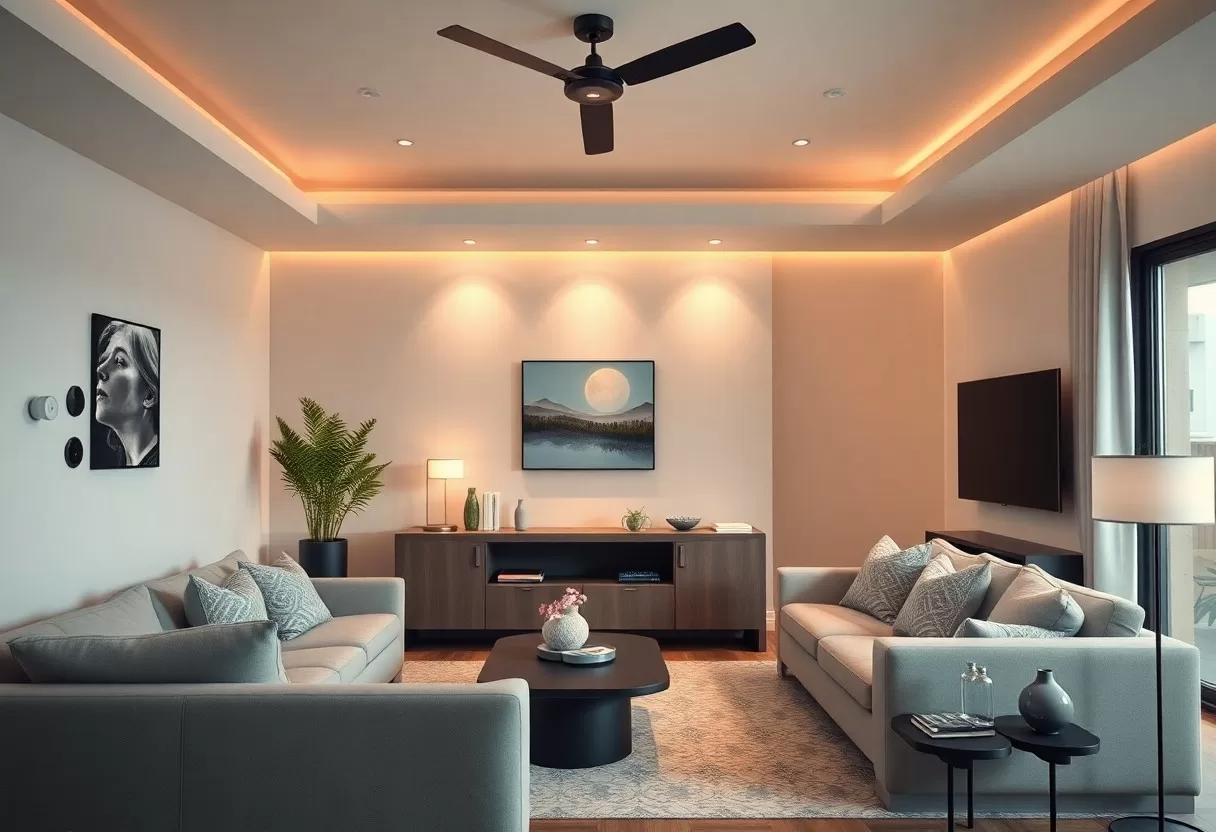
What makes a smart home feel like yours is the ability to set the atmosphere to your style. Adjusting light levels, choosing the right temperature or starting a favorite playlist all become one-tap tasks. For design ideas, see how smart home technology is transforming interior design, a look at how connected devices let you shape a living space that reflects who you are and makes comfort part of every day.
Adaptive Environments: Learning Your Preferences
Many smart home systems learn your habits over time and adjust to your lifestyle. Using machine learning, they study your daily routines and change settings automatically, so your home is comfortable without constant tweaking. Temperature, lighting and even blinds can follow your schedule. Review these learned routines every few months, since a new job or a new season can make old patterns wrong.
Voice Assistants: The New Household Commanders
Voice assistants have quickly become the main way many people control their smart homes. Devices like Amazon Echo or Google Home let you dim the lights, adjust the thermostat or play music with a simple command. Hands-free control is handy when you’re cooking, carrying groceries or putting a child to bed, and it makes the system easier for guests and older family members to use.
Voice-activated technology is now common in homes, and assistants have become everyday helpers. Imagine walking in and saying “Good evening” as the lights come on, your playlist starts and the thermostat moves to your preferred temperature. Routines and reminders make it easy to run your smart home with a few words. Place speakers away from TVs and noisy appliances so they hear you clearly, and review the microphone and recording settings in the app.
Summing up
As a reminder, smart home integration can make your living space more comfortable and convenient, tailored to the way you live. Automated lighting, smart thermostats and modern security systems let you build an environment that fits your needs. This technology simplifies daily tasks and helps you use less energy. For more ideas, read about how smart home technology is changing modern living and see what could work in your own home.
Plan device and sensor locations in our online 3D home design software.
Device energy cost calculator
See what your smart devices, appliances or lighting really cost to run per year — including standby.
Frequently Asked Questions
What is smart home integration?
It means connecting lights, thermostats, locks, cameras and appliances so they work together and can be controlled from one app, a hub or a voice assistant, often with automations based on time, presence or sensors.
Which smart home standard should I choose?
Look for devices that support Matter, the industry standard that lets products from different brands work together. It reduces the risk of being locked into one ecosystem.